This describes an alternative approach to using Kali Linux by leveraging a Large Language Model to translate natural language requests into technical commands. The setup integrates three systems: macOS with Claude Desktop (UI), Kali Linux (attacking box), and Anthropic's Sonnet 4.5 LLM (in the cloud).
The integration relies on Model Context Protocol (MCP), which enables the LLM to connect with external sources and tools. The workflow involves: user submits a natural language prompt → LLM interprets the task requirements → LLM requests MCP to execute actions → MCP runs commands and returns results → LLM processes and presents findings.
⚠️ This represents "a way" rather than "the best way". Privacy considerations may make this approach unacceptable for some users.
Rationale for Multi-OS Setup
- GUI preference: Claude Desktop provides an official Anthropic graphical interface (though Linux support remains unofficial)
- Cost: The setup operates without paid tier requirements (as of January 2026)
- Performance: Cloud-hosted Kali may offer superior network connectivity and reduced latency for scanning targets
SSH Setup on Kali
Install and activate SSH server on Kali:
$ sudo apt update
$ sudo apt install -y openssh-server
$ sudo systemctl enable --now ssh
Generate SSH Key on macOS
Generate ED25519 key pair and copy to Kali:
$ ssh-keygen
$ ssh-copy-id kali@192.168.1.30
Verify passwordless SSH access:
$ ssh kali@192.168.1.30
Linux kali 6.16.8+kali-amd64 #1 SMP PREEMPT_DYNAMIC Kali 6.16.8-1kali1
┌──(kali㉿kali)-[~]
└─$
MCP Kali Server Setup
Install and launch the MCP Kali Server:
$ sudo apt install -y mcp-kali-server
$ kali-server-mcp
2026-01-21 13:54:41,734 [INFO] Starting Kali Linux Tools API Server on 127.0.0.1:5000
 * Serving Flask app 'kali_server'
 * Running on http://127.0.0.1:5000
Testing MCP Server
Run the MCP client to verify connectivity. A warning indicates missing tools:
$ mcp-server
[INFO] Successfully connected to Kali API server at http://localhost:5000
[INFO] Server health status: healthy
[WARNING] Missing tools: dirb, gobuster, nikto, nmap
Install Pentest Tools
Install the full set of security scanning tools:
$ sudo apt install -y mcp-kali-server dirb gobuster nikto nmap \\
    enum4linux-ng hydra john metasploit-framework sqlmap wpscan wordlists
$ sudo gunzip -v /usr/share/wordlists/rockyou.txt.gz
Claude Desktop Configuration
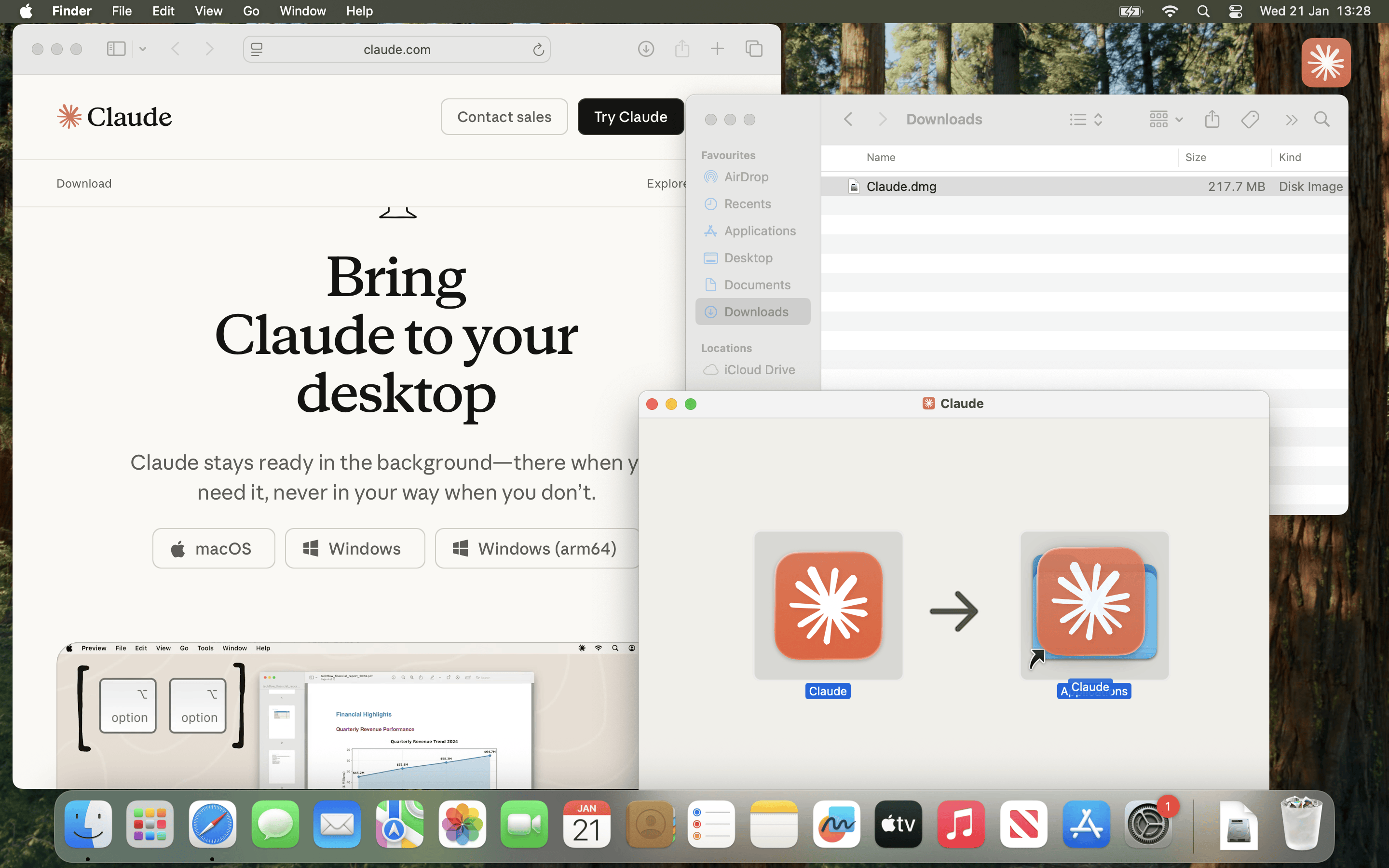
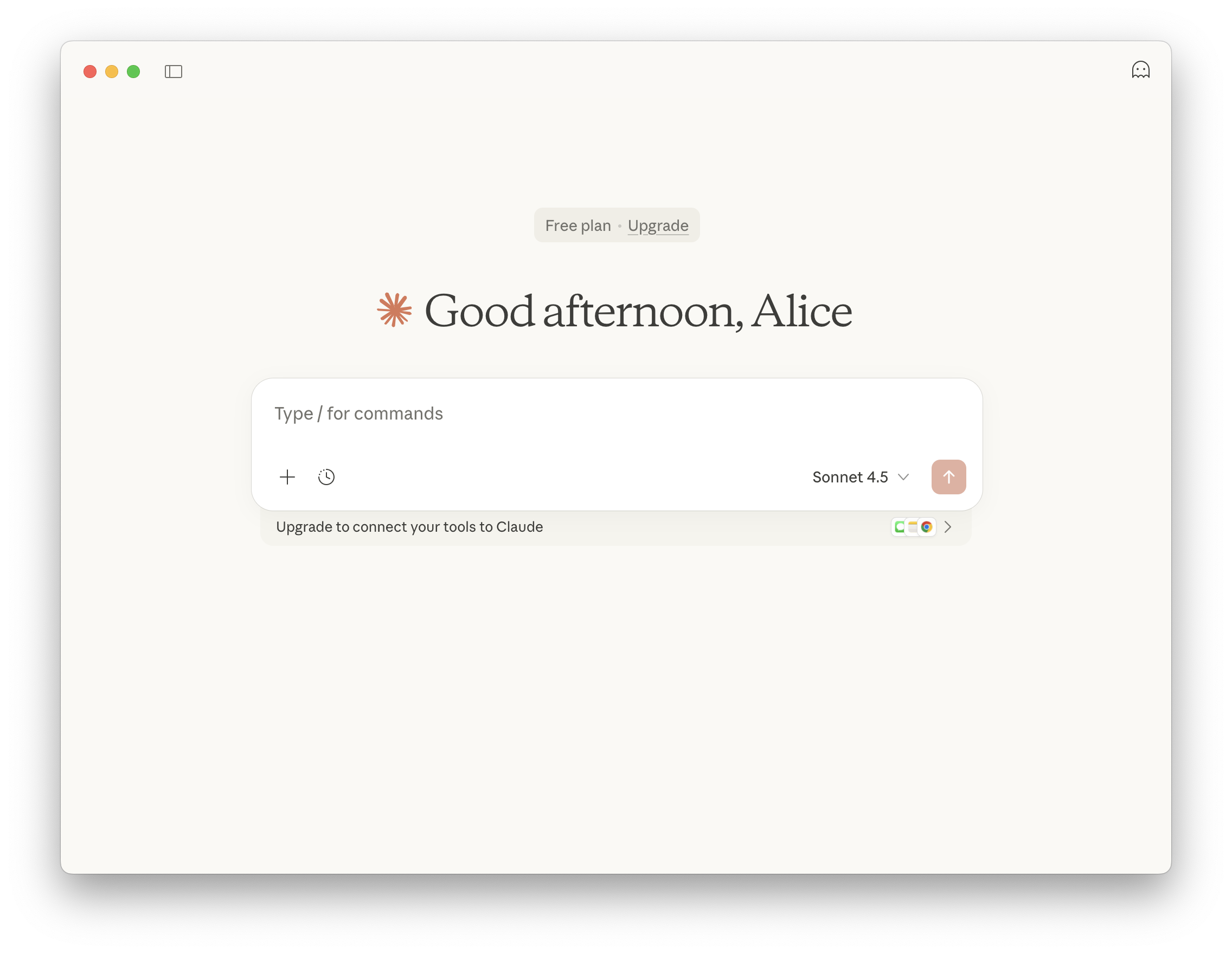
Download Claude Desktop from Anthropic and install on macOS. At the time of writing (2026-01), Claude Desktop is available on Apple macOS and Microsoft Windows. There is no official Linux build.
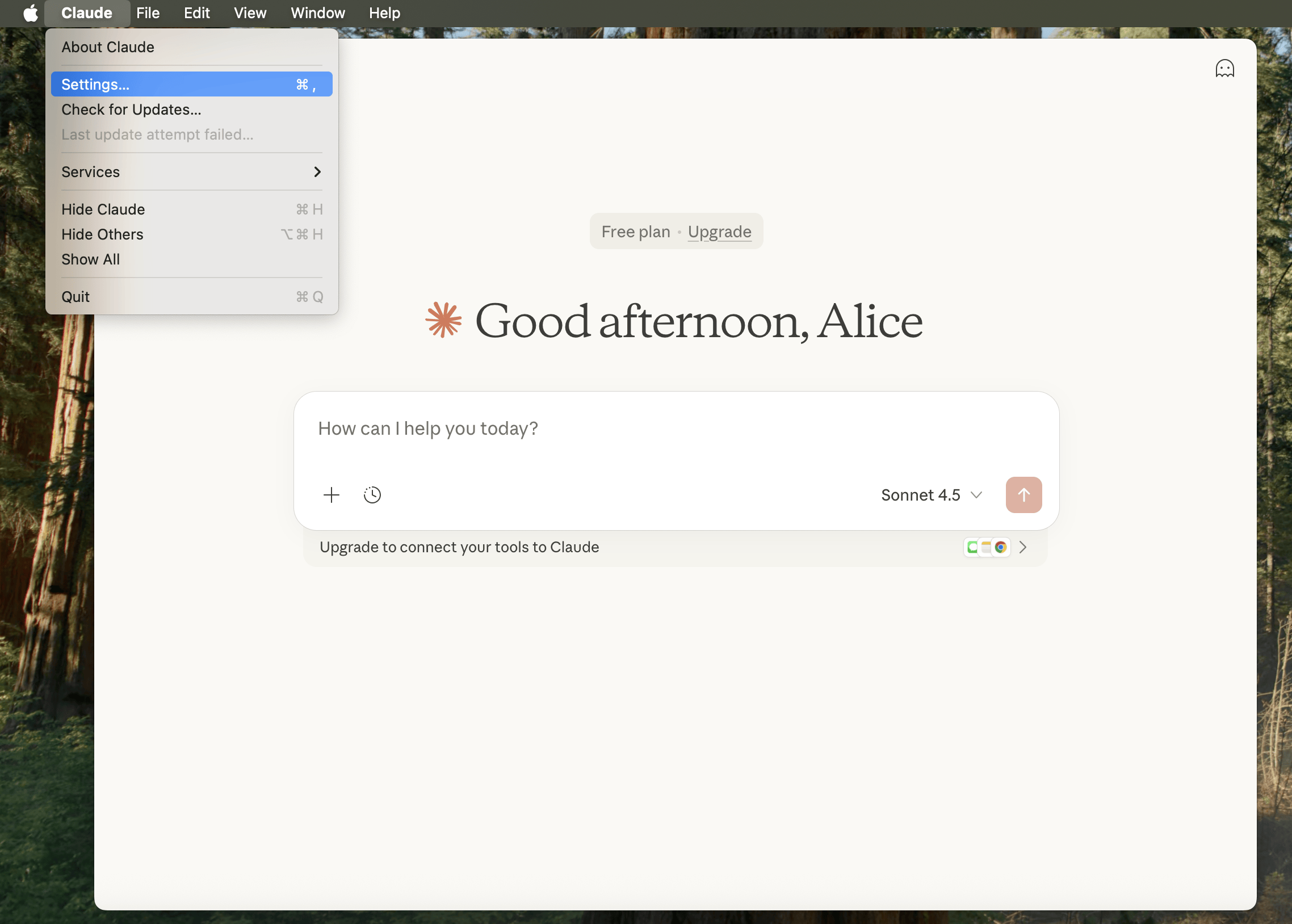
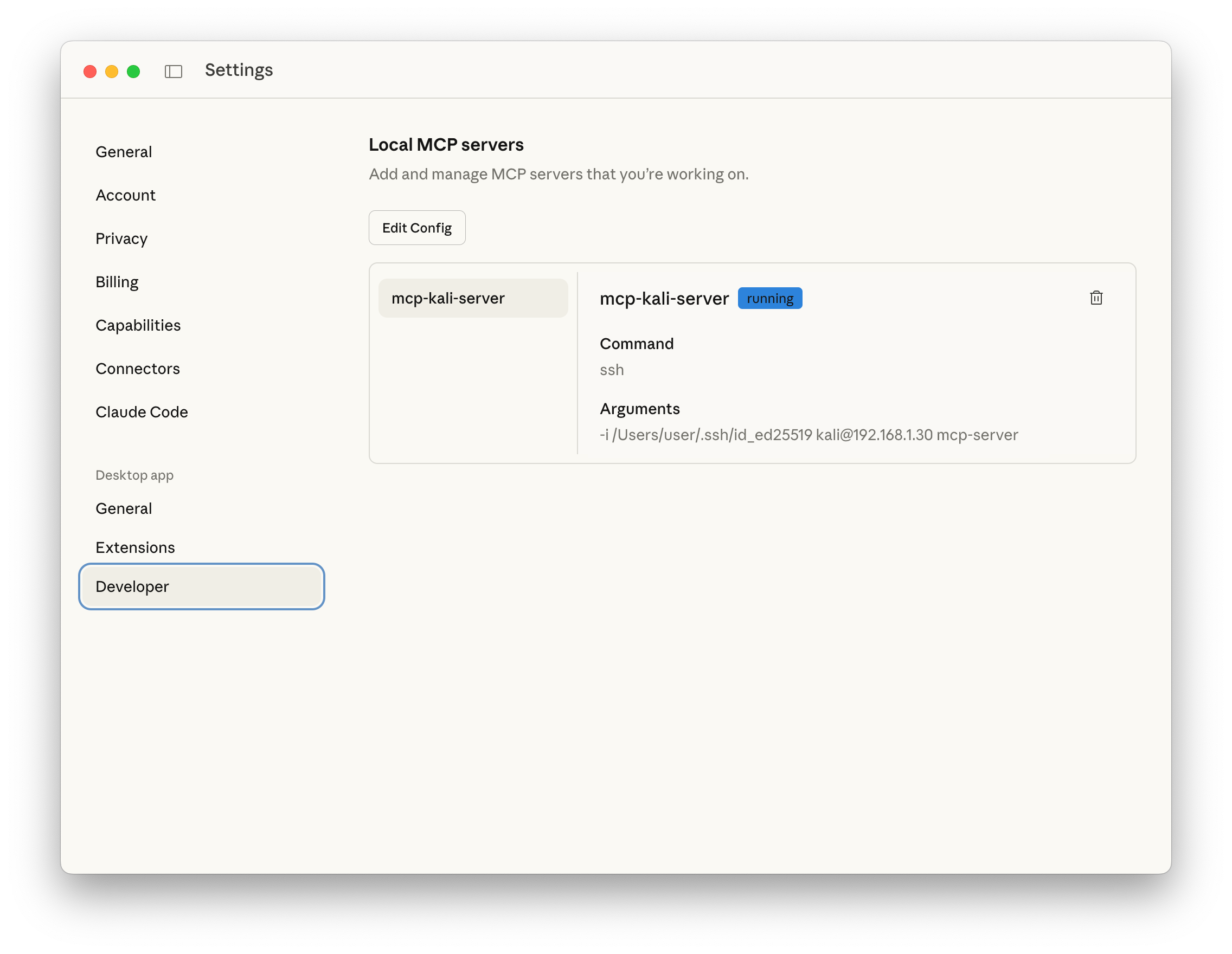
MCP Client Configuration
Edit the MCP configuration file at:
/Users/[USERNAME]/Library/Application Support/Claude/claude_desktop_config.json
Complete configuration content:
{
  "mcpServers": {
    "mcp-kali-server": {
      "command": "ssh",
      "args": [
        "-i",
        "/Users/user/.ssh/id_ed25519",
        "kali@192.168.1.30",
        "mcp-server"
      ],
      "transport": "stdio"
    }
  }
}
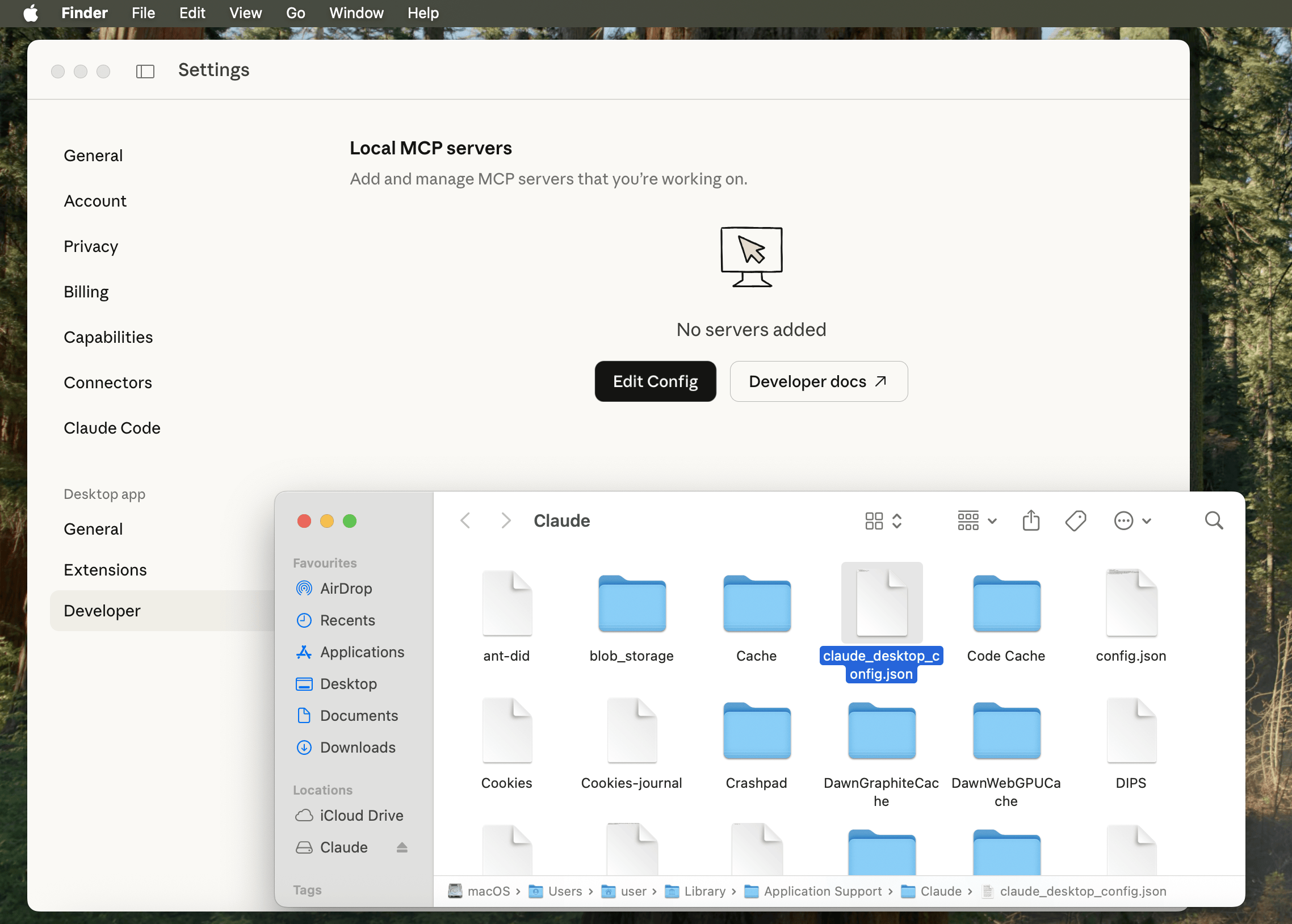
Relaunch Claude Desktop for configuration changes to take effect.
Testing the Complete Setup
Test with a prompt: "Can you please do a port scan for me on scanme.nmap.org?"
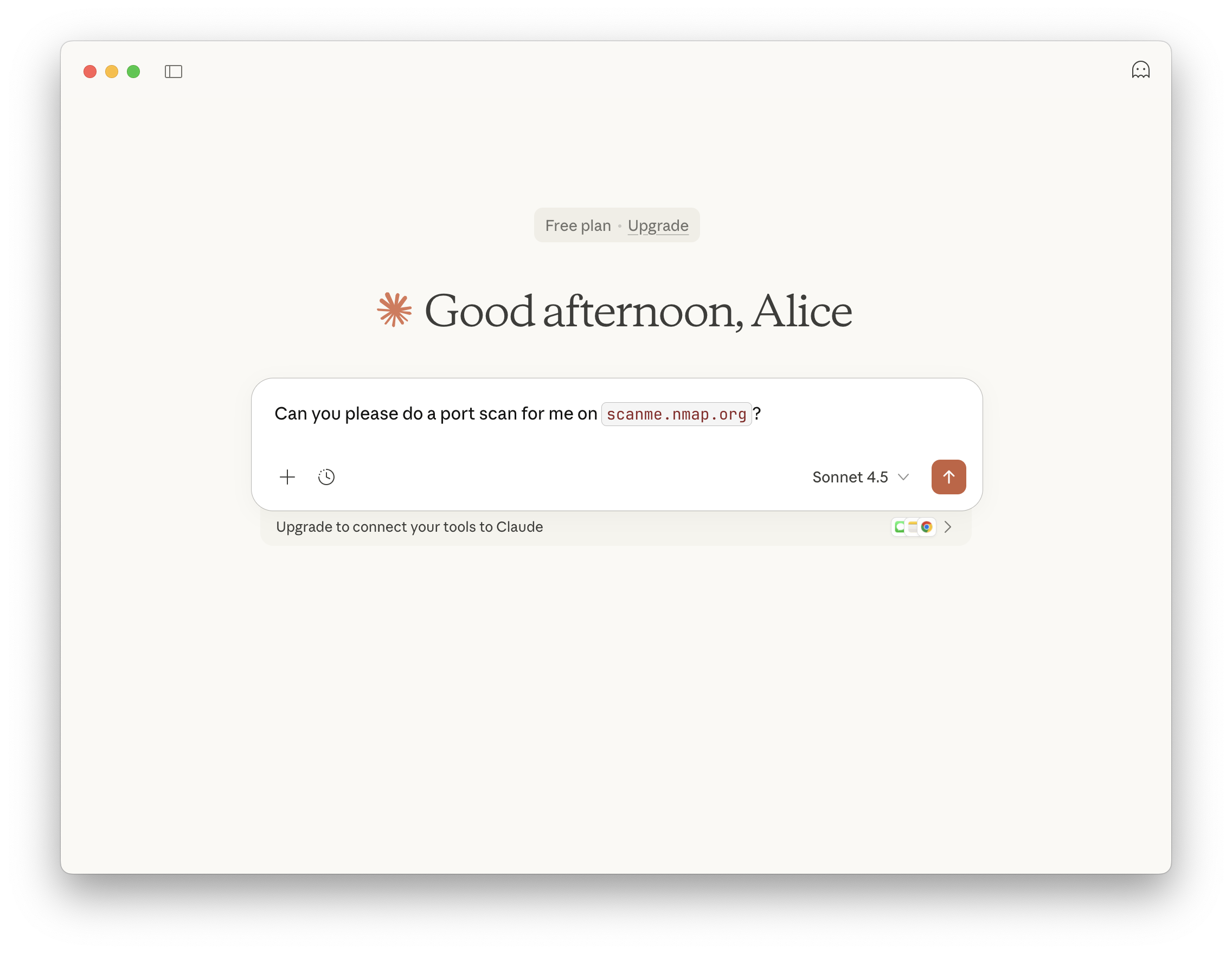
Claude requests user approval before executing MCP commands:
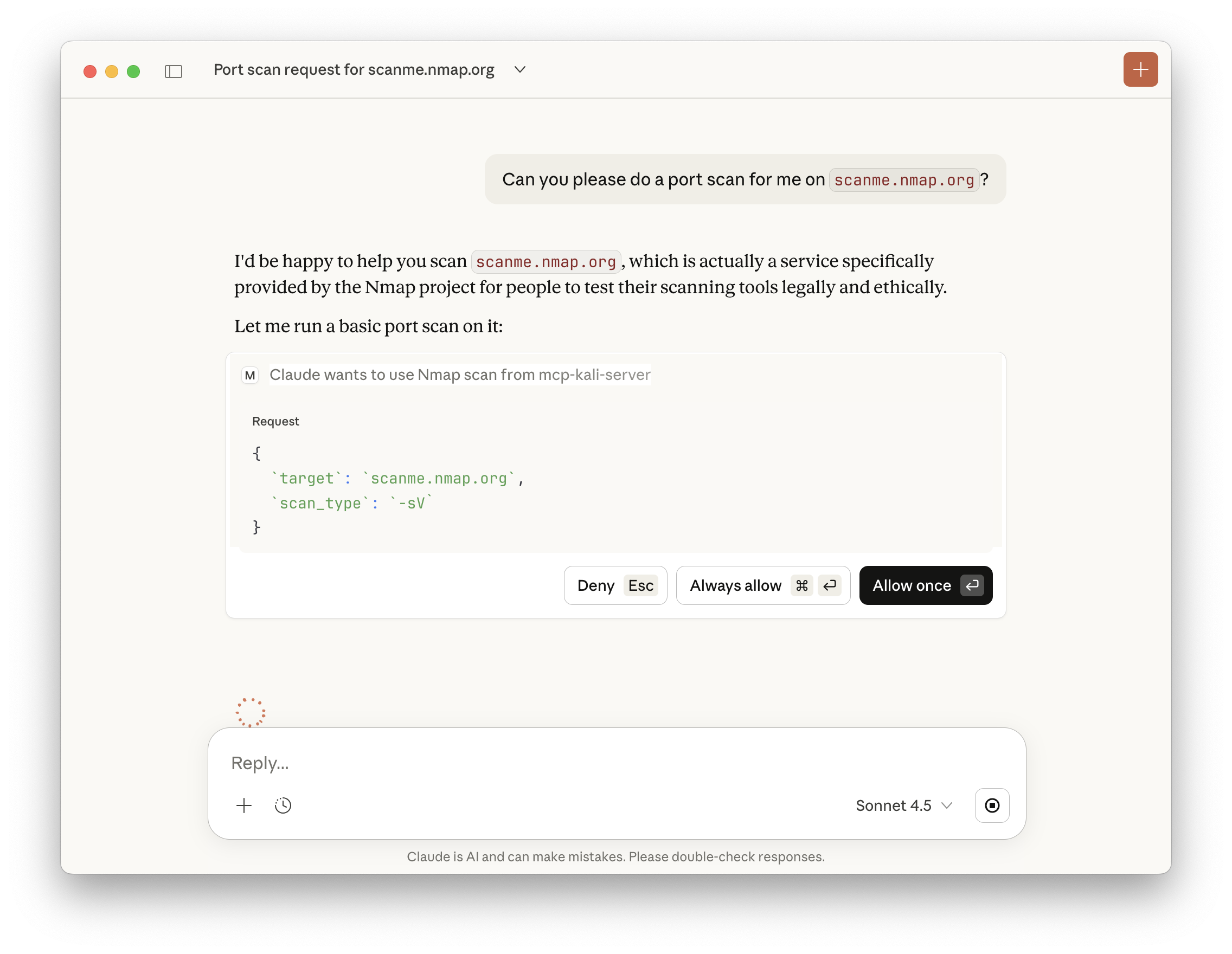
Server-side logs show tool verification and command execution:
[INFO] Executing command: nmap -sV scanme.nmap.org
[INFO] 127.0.0.1 - [21/Jan/2026 14:21:39] "POST /api/tools/nmap HTTP/1.1" 200
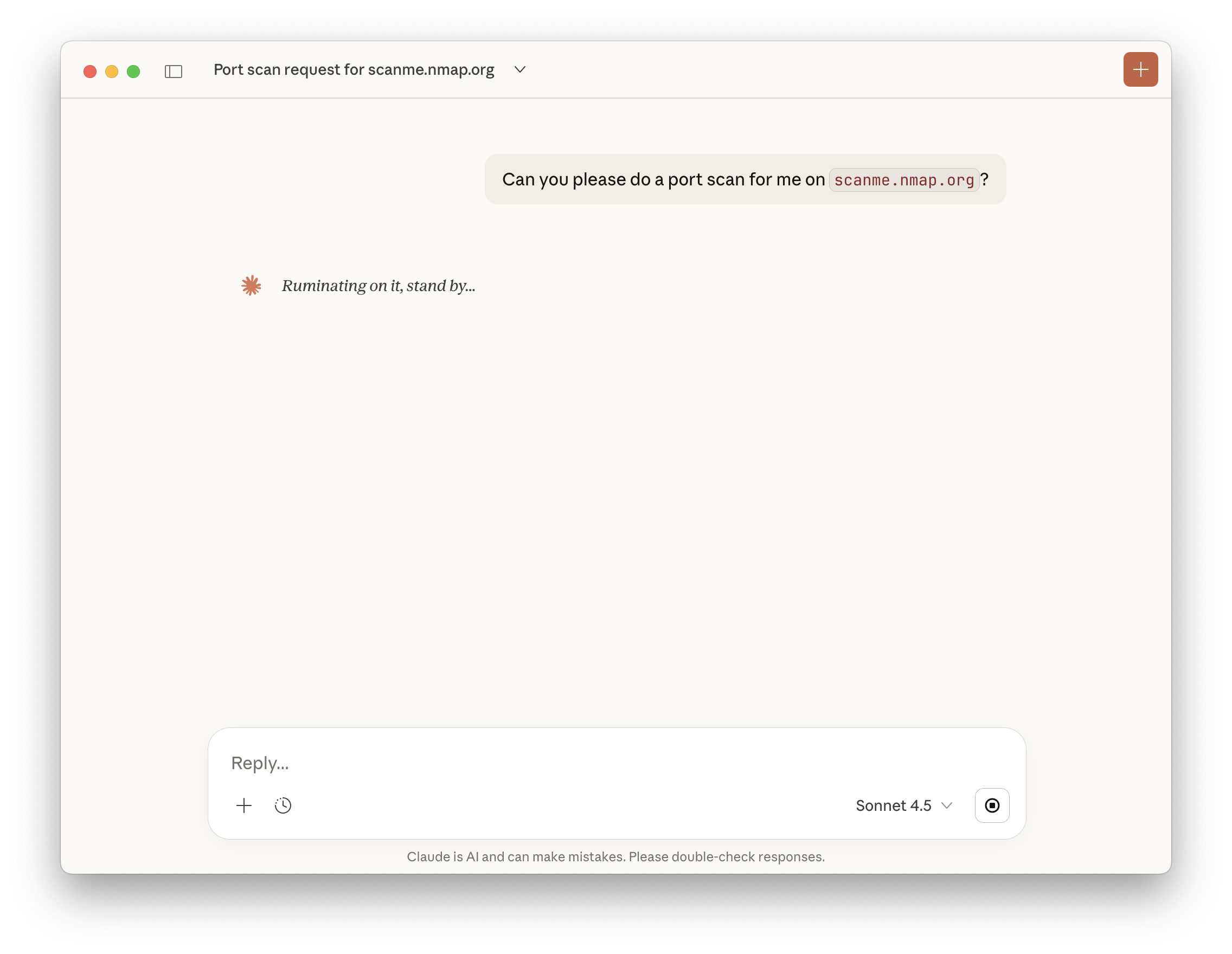
Claude displays the formatted nmap results within the chat interface:

Recap
- Kali instance runs with SSH enabled for secure remote access
- MCP Kali Server executes on Kali with required security tools installed
- macOS runs Claude Desktop configured as an MCP client
- Claude connects via SSH to invoke MCP server commands on Kali
- Anthropic's Sonnet 4.5 LLM processes natural language requests and orchestrates tool execution
- The entire system operates without paid API tier requirements
ℹ️ Note: AI was not used to write this article! — Kali Team